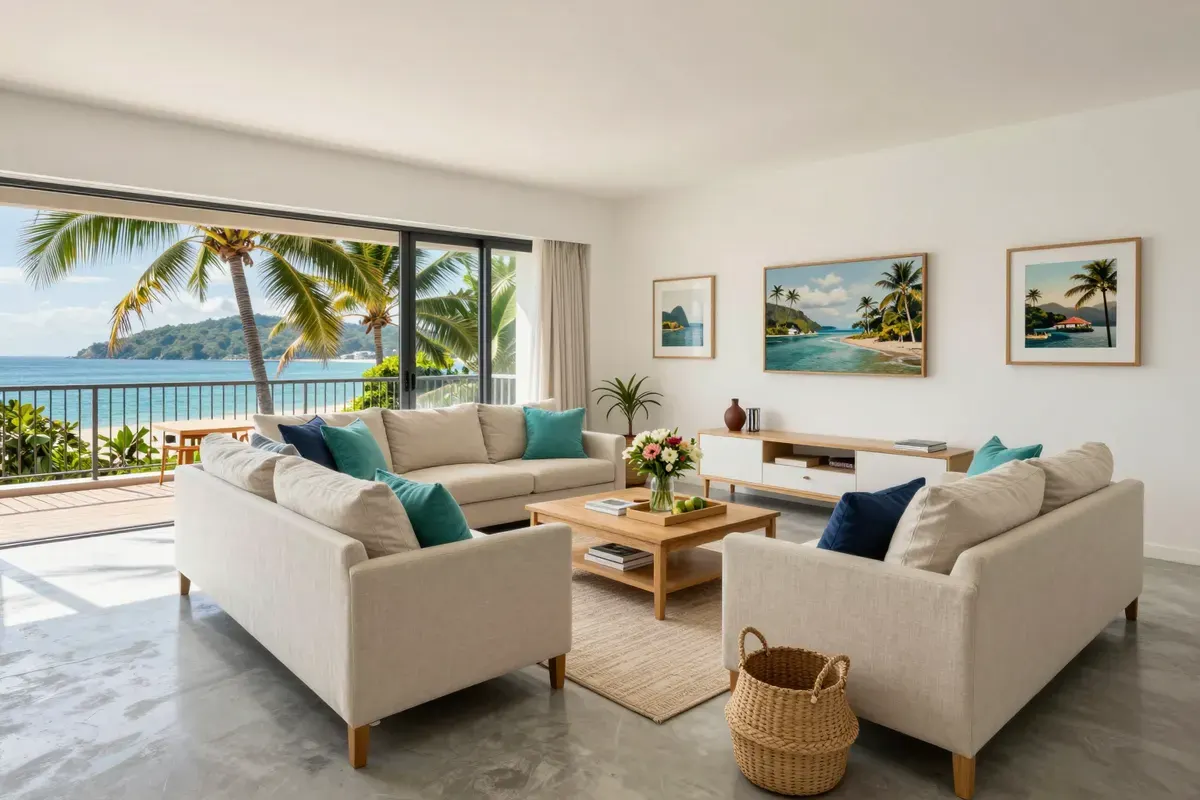
Booking website : Read more
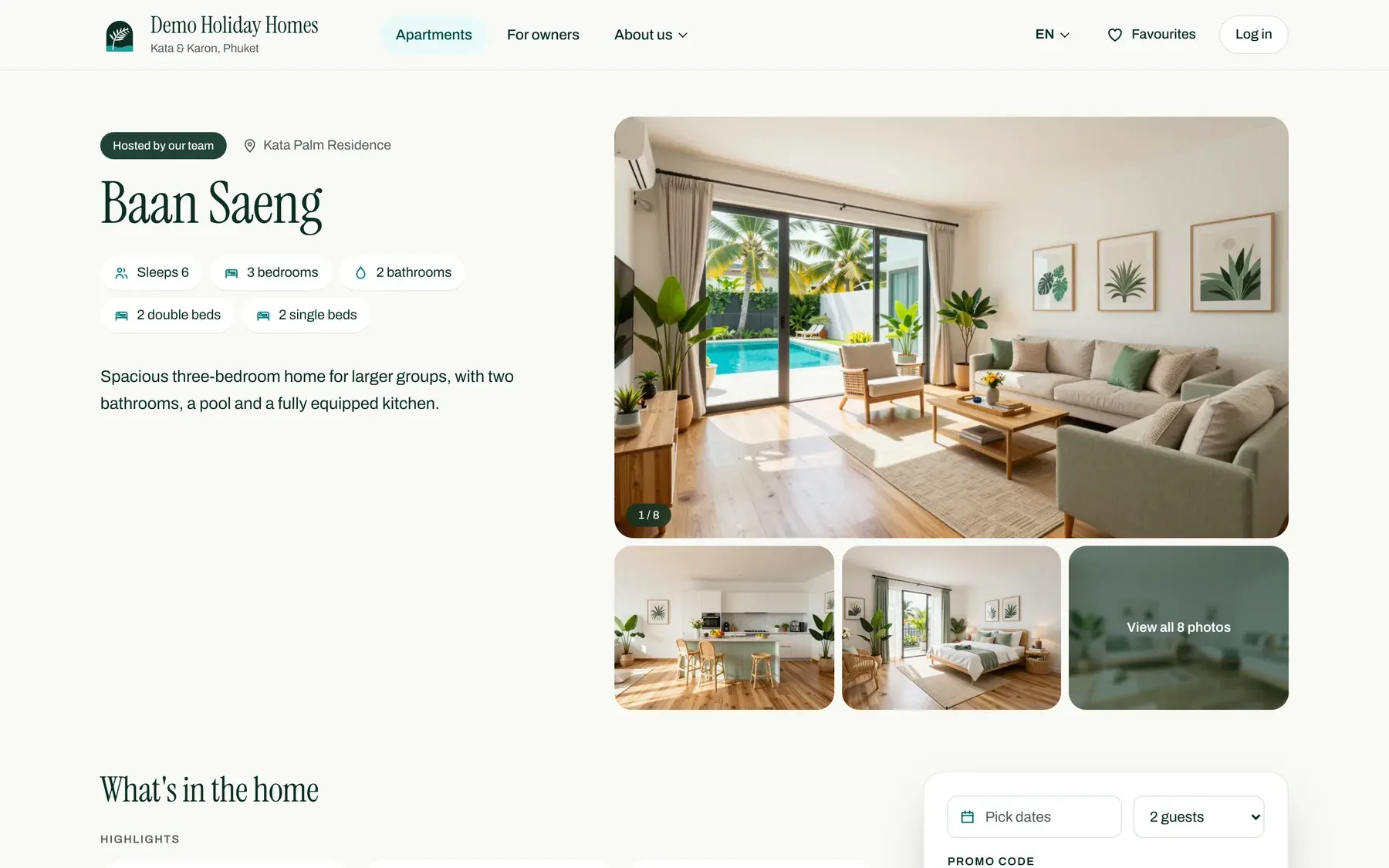
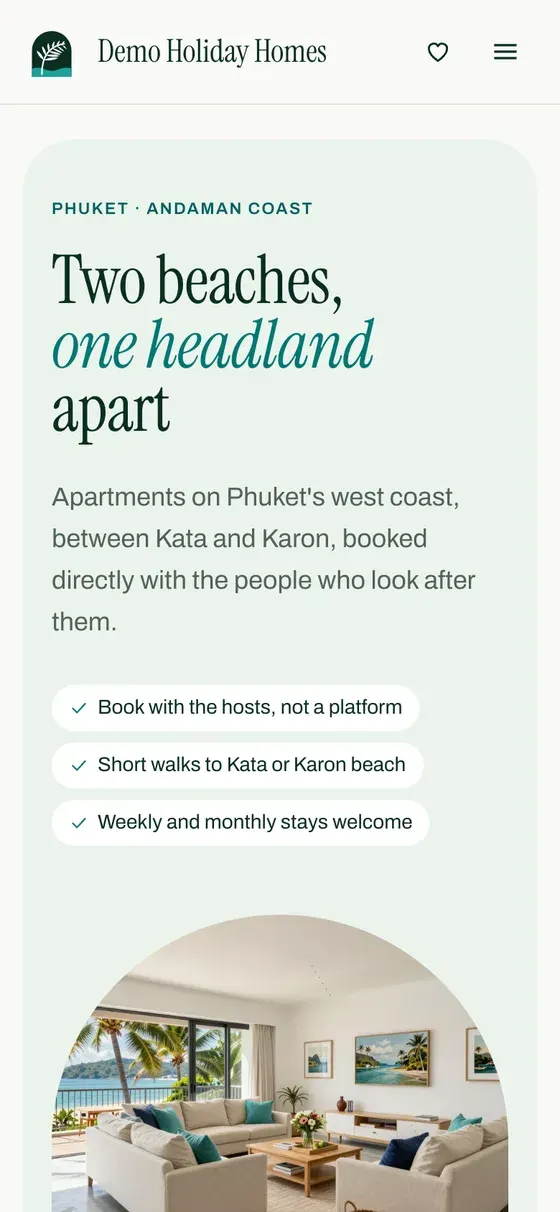
Your own site on your own domain. Live availability, exact or flexible dates, extras and online payment, with no commission on direct bookings.
For holiday rental companies
Your own booking site under your own brand, Airbnb and Booking.com, cleaning, payments and statements for your owners. One system instead of WhatsApp groups and spreadsheets.
White-label: your brand, your domain, your Stripe account.
The product
Each part works on its own and gets better with the others. Start with the one that costs you the most time today.
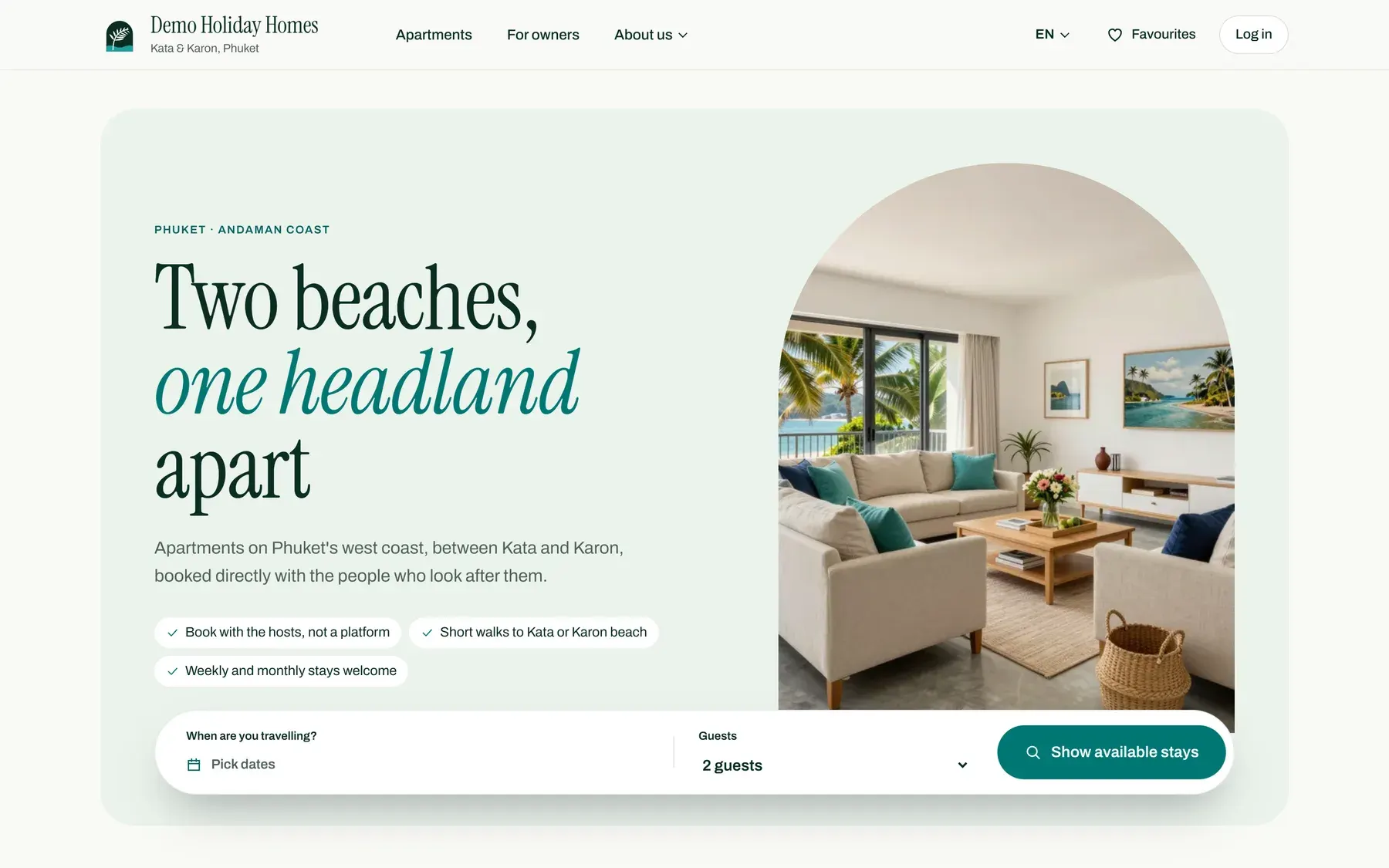
Your own site on your own domain. Live availability, exact or flexible dates, extras and online payment, with no commission on direct bookings.
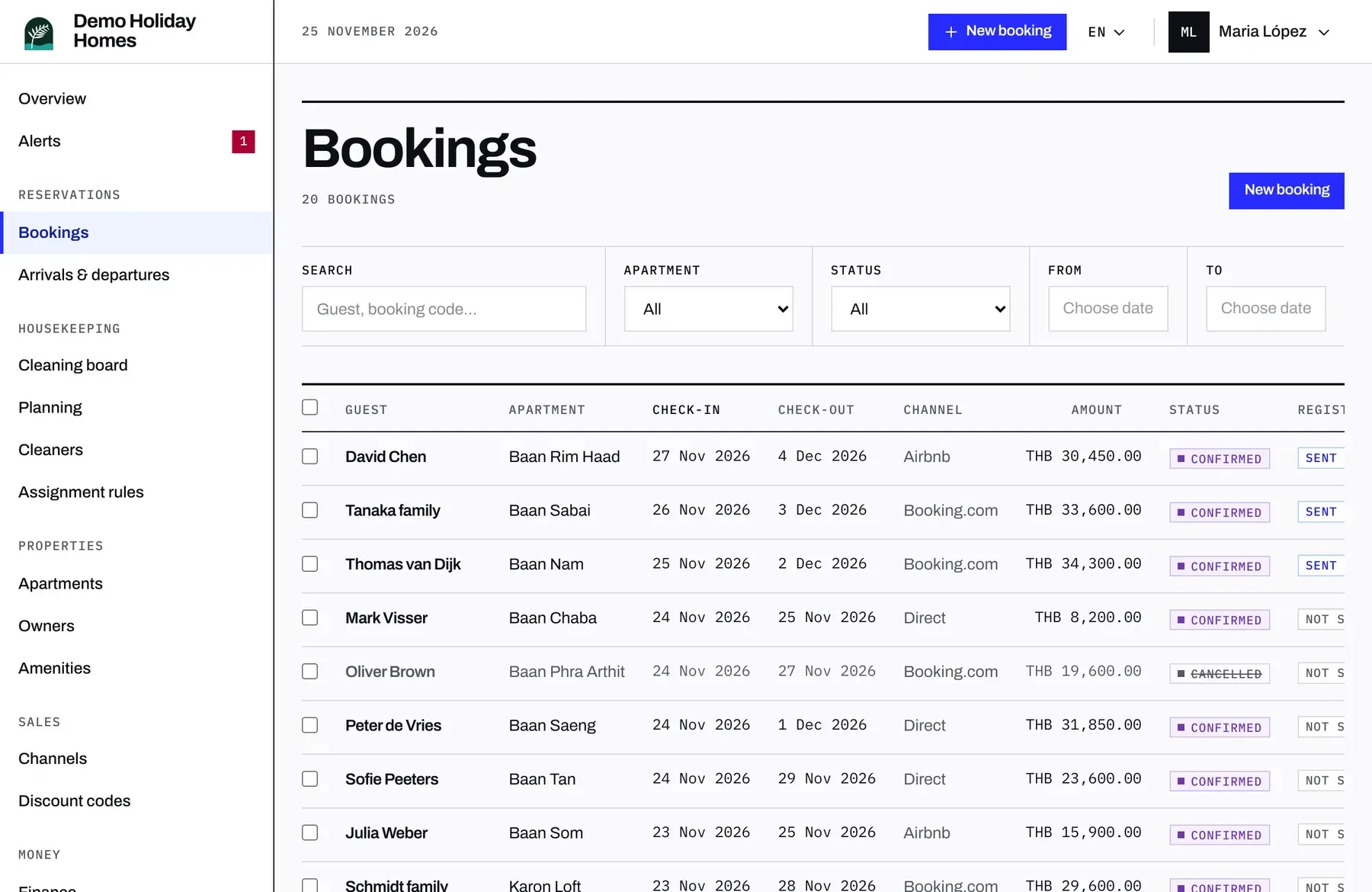
Airbnb, Booking.com and 70+ more channels read one calendar. Their bookings come back into the same list as yours.
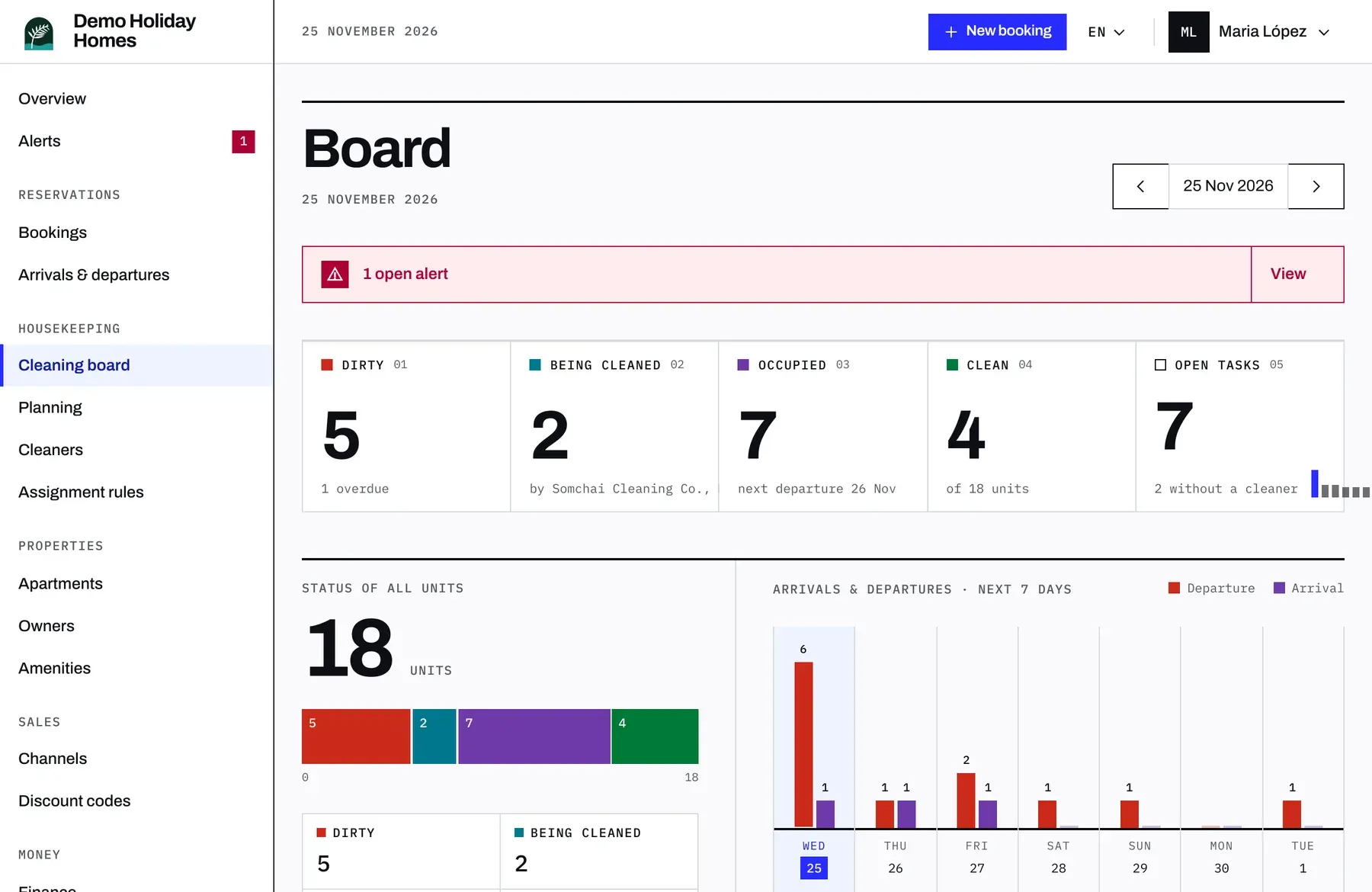
Every checkout creates a cleaning task. A board, a drag-and-drop calendar and a phone app that tells cleaners what the next guests need.
A 30% deposit at booking, the balance six weeks before arrival with reminders, and the damage deposit refunded after checkout.

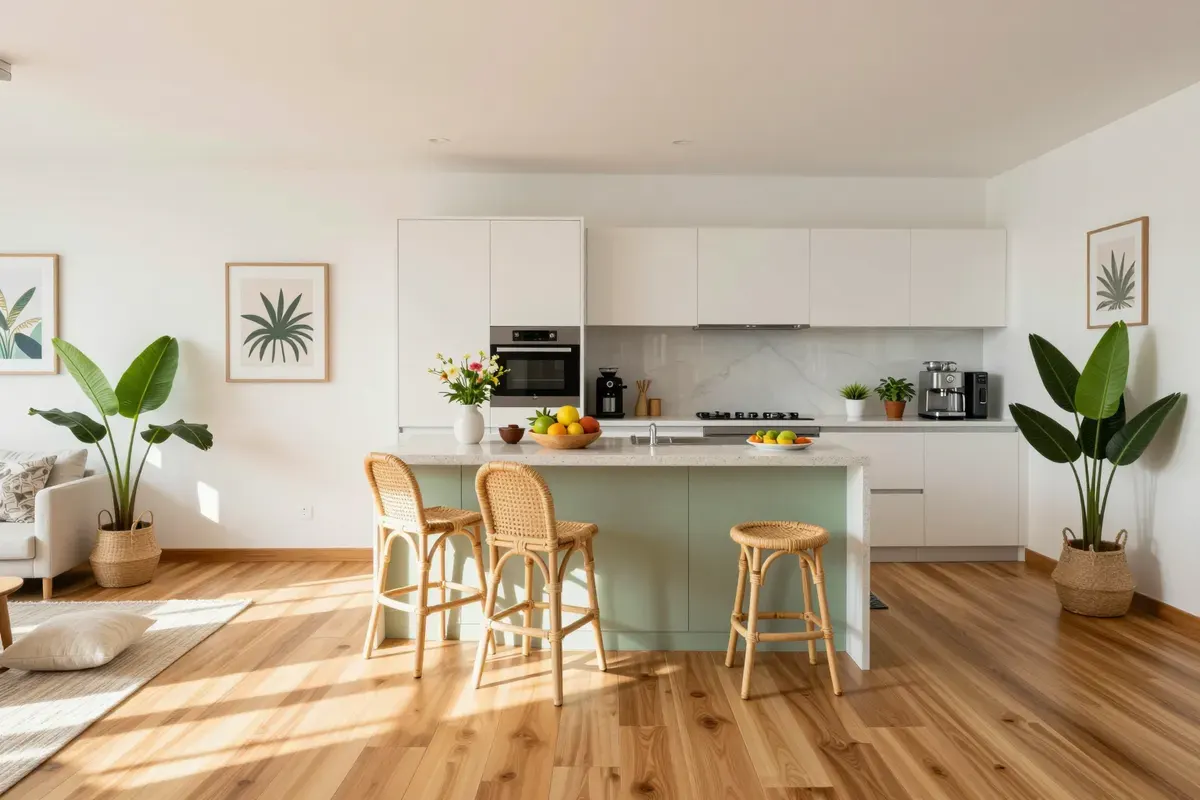
A portal for every owner, the commission split on each payment and a numbered payout statement as PDF for every transfer.
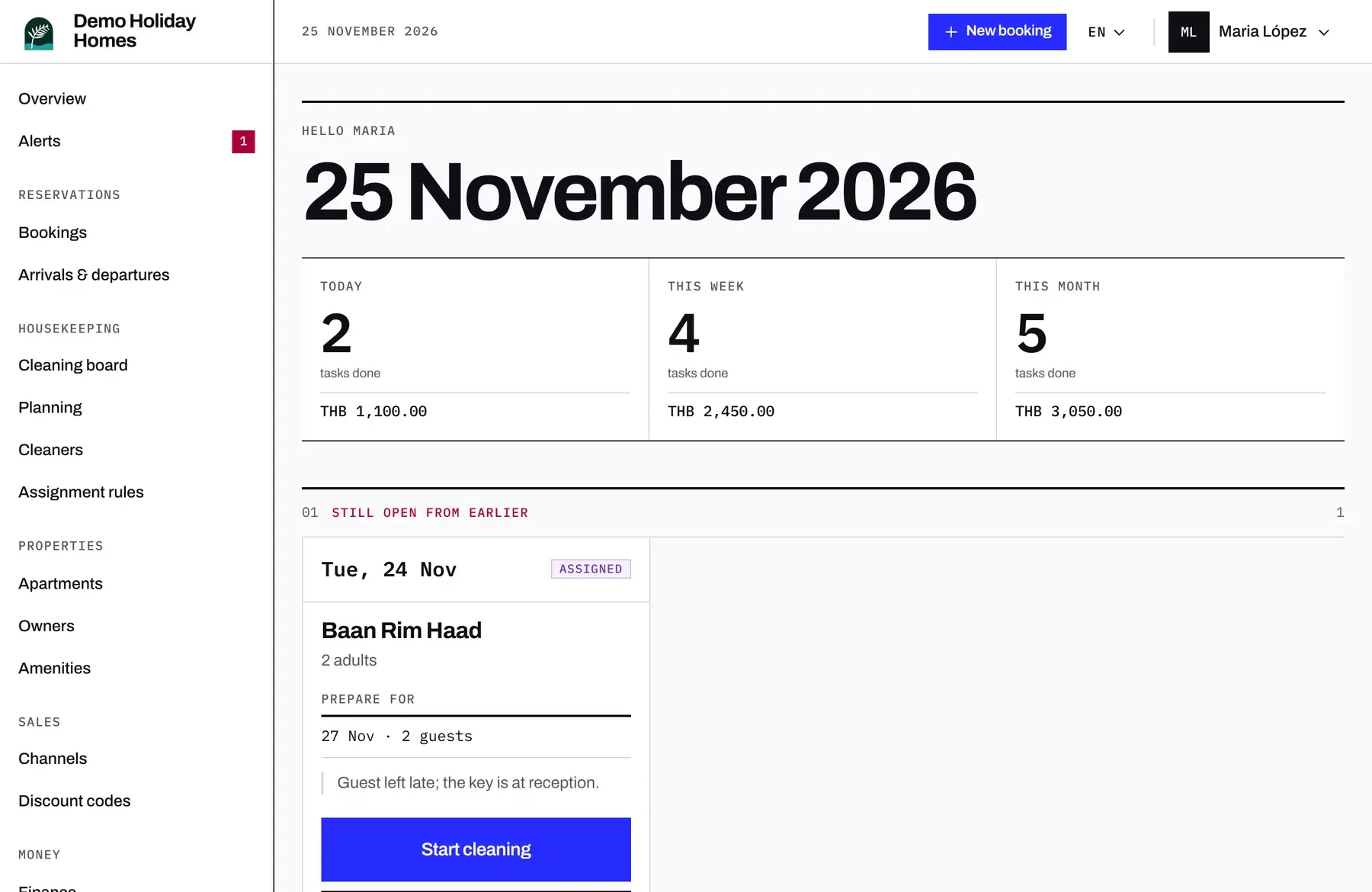
Arrivals and departures, every booking with its payment status, and one queue for everything that needs a person.
Nobody has to remember the next step. This is a normal day.
08:00
Who arrives, who leaves and what still needs you.
Back office10:00
Every checkout creates a task. The board shows what is dirty, being cleaned or clean.
Cleaning and operations11:30
The next guests and what that means for the beds: “4 guests: make up the sofa bed.”
Cleaning and operations13:00
It lands in the same list as your own, and the calendars close everywhere at once.
Channels16:00
A cleaner calls in sick? Drag the task to another day or cleaner.
Cleaning and operations18:00
Deposit, balance with reminders, and check-in information once a guest has paid in full.
PaymentsGuestInOut is not a self-service account. We install it for you.
Your own installation, with your logo, colours and domain.
Your Airbnb, Booking.com, Agoda and Expedia accounts through the channel manager, and your own Stripe account for payments.
We bring in your apartments, rates and existing bookings, then you start taking bookings.
No. Each company gets its own installation with its own brand, domain and Stripe account. We set it up together in a walkthrough.
More on How we workAirbnb, Booking.com, Expedia, Vrbo, Agoda, Google and more than 70 other booking channels, each with your own account. Owners who list themselves can use iCal.
More on ChannelsYes, your own. Guest payments go straight to you, and the system works out the owners’ shares from there.
More on PaymentsYes. Channel bookings come in through the channel connection and your direct bookings are entered during setup, so your calendar is complete before you go live.
More on How we workIt depends on the size of your portfolio. Pricing is on request: ask for a walkthrough and we will tell you.
Book a walkthroughThe demo is a complete installation of a fictional rental company. Book a stay, pay with the test checkout and look around the back office.